
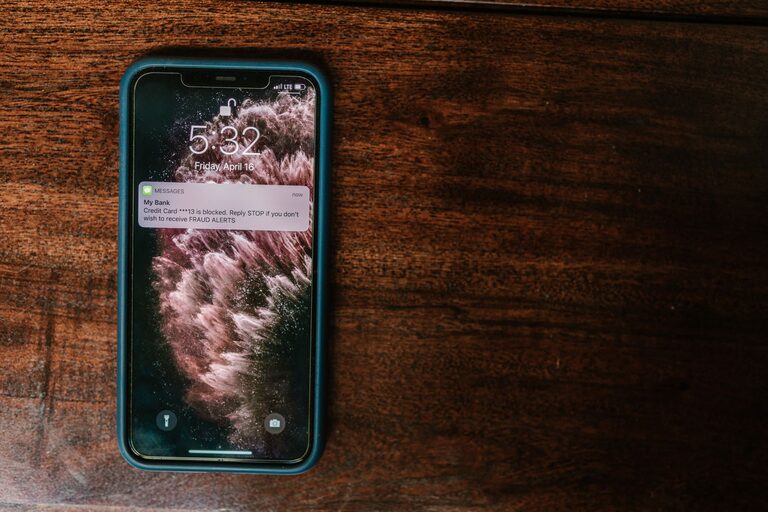
In today’s digital world, notifications are a constant presence on our smartphones, computers, and other devices. While they keep us connected and informed, notifications can also become overwhelming and distracting. Setting boundaries with notifications is essential for maintaining focus, reducing stress, and improving overall well-being.
This post will guide you through practical tips to help you take control of your notifications and create a healthier digital environment.
Why Setting Boundaries with Notifications Matters
Notifications serve as reminders, alerts, and updates from apps, messages, social media, and emails. However, constant interruptions can fragment your attention, disrupt your workflow, and contribute to feelings of anxiety or burnout.
By establishing clear boundaries around when and how you receive notifications, you can:
– Improve concentration and productivity
– Enjoy more uninterrupted time
– Reduce stress caused by constant alerts
– Cultivate better digital habits
Assess Your Current Notification Settings
Start by understanding how notifications are currently affecting you. Take a few days to observe when and how often you receive alerts and how they influence your mood or work.
Ask yourself:
– Which apps send the most notifications?
– Do any notifications feel urgent or important?
– When do notifications interrupt your focus or downtime?
– Are there certain times when you prefer not to be disturbed?
Knowing this will help you decide which notifications to keep, silence, or customize.
Tips for Setting Boundaries with Notifications
1. Customize Notification Settings on Your Devices
Most devices allow you to manage notifications on an app-by-app basis. Go through your settings to:
– Turn off notifications for apps that aren’t essential
– Enable “silent” or “minimized” notifications for low-priority apps
– Allow only important contacts (family, close friends) to notify you immediately
Taking these steps can greatly reduce unnecessary interruptions.
2. Use “Do Not Disturb” and Focus Modes
Modern smartphones and computers feature “Do Not Disturb” or focus modes that silence all or most notifications during specific times or activities.
– Schedule “Do Not Disturb” during work hours, meetings, or at night
– Customize exceptions for urgent calls or messages
– Use these modes to create dedicated time blocks free from interruptions
This controlled silence can help you stay present and productive.
3. Set Specific Time Windows to Check Notifications
Rather than responding to every notification as it arrives, try batching the task:
– Designate certain times of the day to review and respond to messages and alerts
– Avoid constantly checking your phone outside these windows
– Use reminders or alarms to stick to your schedule
This approach prevents frequent distractions and helps maintain focus.
4. Limit Notifications from Social Media and Marketing Apps
Social media platforms and marketing apps often send frequent notifications that aren’t urgent. Consider:
– Disabling push notifications for social media apps
– Turning off promotional or marketing alerts in app settings or email preferences
– Unsubscribing from email newsletters that clutter your inbox
Reducing these types of notifications can save time and mental energy.
5. Use Visual and Auditory Cues Wisely
Notification sounds, vibrations, and banners can draw your attention immediately, which isn’t always necessary.
– Choose subtle sounds or vibrations that don’t disrupt your concentration
– Disable banners and pop-ups if they’re distracting
– Rely on badges or app icons to check notifications on your schedule
Fine-tuning these cues helps you control how much notifications demand your attention.
6. Communicate Your Boundaries to Others
If you work or live with others who contact you frequently, be clear about your notification boundaries.
– Let colleagues know your preferred communication channels and response times
– Inform friends and family about your “quiet hours” or focus periods
– Encourage others to respect your time and avoid non-urgent messages during those times
Open communication supports your efforts to manage notifications effectively.
7. Regularly Review and Adjust Your Notification Settings
Your needs will change over time, and so will the apps and services you use.
– Periodically revisit your notification settings to ensure they still serve you well
– Remove notifications from apps you no longer use or need
– Experiment with different settings to find what works best for your lifestyle
Maintaining this review habit keeps your digital space under control.
Bonus: Using Technology to Your Advantage
Several apps and tools can help you manage notifications more efficiently:
– Notification management apps that filter or group alerts
– Focus and time management apps that block distractions temporarily
– Built-in OS features like Apple’s Focus or Android’s Notification Channels
Exploring these can add an extra layer of control, making it easier to enforce your boundaries.
Conclusion
Notifications don’t have to control your day or steal your focus. By thoughtfully managing when and how you receive them, you can create both mental space and time for more important activities. Start with simple steps like customizing your settings and using “Do Not Disturb,” then build habits that support your productivity and peace of mind.
Remember, setting boundaries with notifications is about reclaiming your attention—not cutting off connection completely. With balance, you can enjoy the best of technology while staying in control.